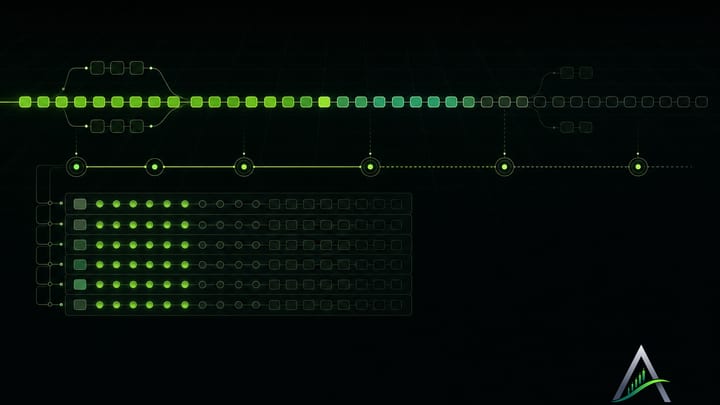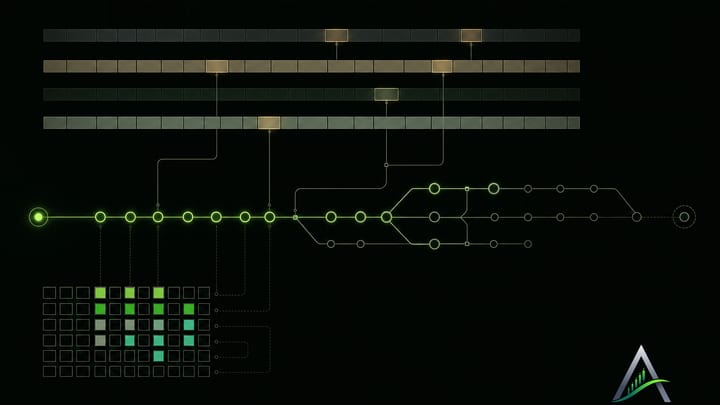
Every fortnight the question is the same: what shipped? The answer lives in two places, the changelog and the tracker on Atheron Progress. This post shows you how to read the moves between marks across every project, so you can answer the question yourself.
We do not copy the list of items here. The changelog is the record. A second copy in a blog post could drift from it, and then you would have two answers instead of one.
Start with the moves, not the totals
Each project has a percentage. It is counted from the marks on its modules. Nobody types it in. That makes it honest, but a single number hides which module changed.
So look at the marks first. Each module carries one of four:
- Shipped: somebody uses it today.
- Building, next and later: the work is not in use yet.
The only move that answers "what shipped" is a move into shipped. Everything else is useful, but it is a different question.
| Move | What it tells you |
|---|---|
| Into shipped | Somebody is using that module today |
| Between building, next and later | The plan for that module changed. Nobody uses it yet |
| No move | That module's mark is where it was |
Project by project
The four projects sit in different places, so the same mark means slightly different things in each.
- Atheron Trading is paper only until launch. A shipped module here is in use in paper trading. We publish no performance figures, in the changelog or anywhere else.
- ATON Blockchain is read the same way as the rest: module by module, line by line.
- ATON Desk is coming soon. Its marks show you how far it is from that point, and nothing more.
- Atheron Network Labs is open for projects. Its tracker shows which of its modules are in use today.
If a project had no module move into shipped this fortnight, that is a real answer too. A quiet fortnight on the tracker is better than a busy one we made up.
Match each line to a mark
Read the changelog with the tracker open beside it. For each line, find the module it belongs to and check its mark.
- If the line says something shipped, the module should be marked shipped.
- If the module is marked shipped, ask the plain question: is somebody using it today?
- If the line and the mark disagree, trust neither until you know why.
Then check the service
Shipped means in use. If what shipped is part of a public service, the status page shows that service with ninety days of history. Each day is coloured by its worst event.
That gives you a second check. A module can be marked shipped and still sit inside a service that had a rough week. The tracker tells you it is in use. The status page tells you how the service behaved while people used it.
What this cannot tell you
The tracker counts marks. It does not measure how hard a piece of work was, how long it took, or how many people rely on it. A small module and a large one each count as one module moving.
The changelog records what changed. It does not promise what comes next. For that, read the roadmap, and read it as a plan rather than a date.
If you only have a minute, find the modules that moved into shipped and ask whether somebody uses each one today.
That is the whole test. The record is public, so you do not have to take our word for any of it.