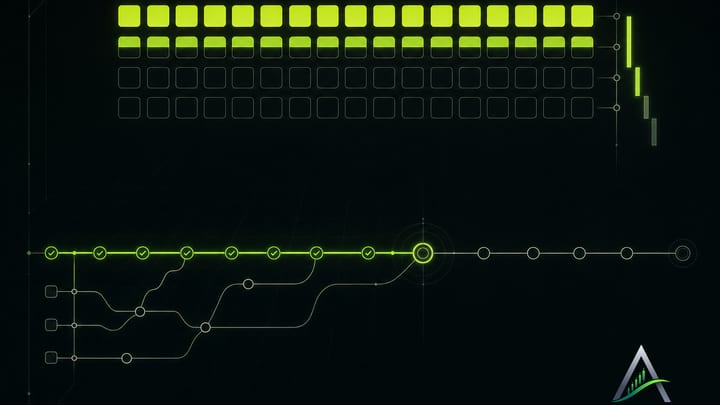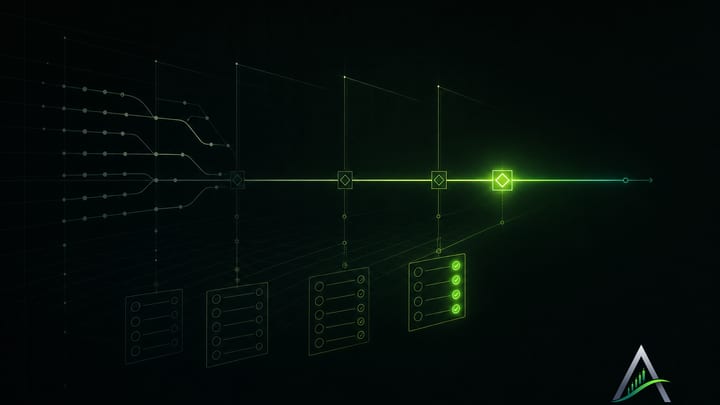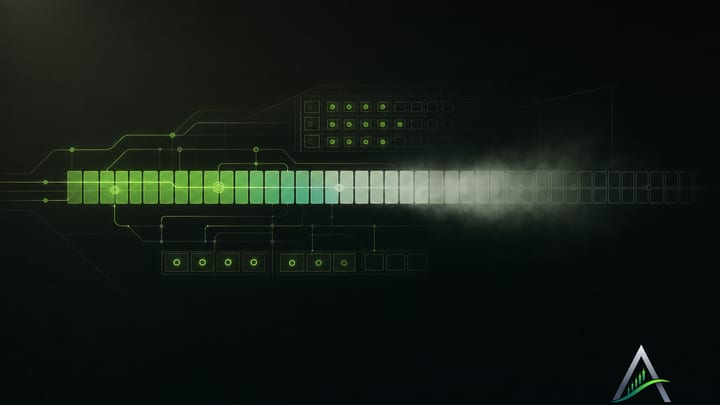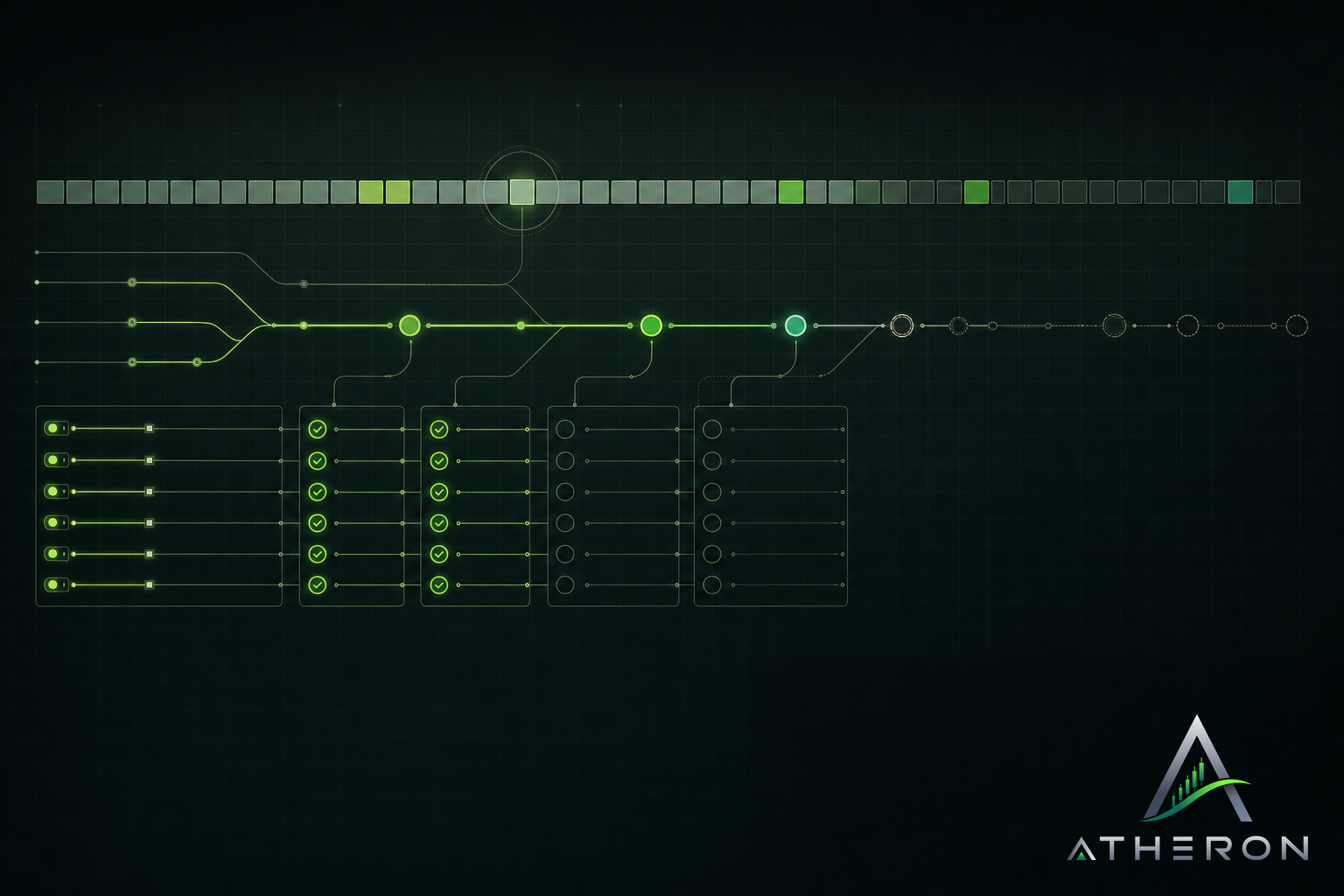
You are about to depend on one of our public services. Maybe you are building against it, or planning work around it. Before you do, it is worth spending two minutes on the status page at Atheron Progress.
The page shows each public service with ninety days of history. Each day carries one colour, set by the worst event of that day. That simple rule makes the page quick to read. It also means you need to read it the right way.
Here is the routine we would follow ourselves.
A five step check
- Find the service you care about. Each public service has its own line. Ignore the others for now. A clean record on a service you never touch tells you nothing about the one you do.
- Look at today first. Is the service up right now? If today shows an event, that is your immediate answer, and the rest of the history is background.
- Scan the whole ninety days. Do not stop at the last week. A quiet fortnight can follow a rough month. You want to know whether trouble is rare, regular or clustered.
- Ask what kind of day each marked day was. Down, slow and maintenance are different things, and they mean different things for your plans. More on that below.
- Cross check with the changelog. The changelog and roadmap are the record of what we have built and changed. If a marked day lines up with a change you can see there, you have context the colour alone cannot give you.
Three kinds of bad day
A day can be marked for different reasons. Treat them differently.
Down means the service was not available for at least part of the day. This is the one that breaks things for you. If you see several of these, ask whether your own work can tolerate a gap.
Slow means the service was answering, but not at its usual pace. For some uses this barely matters. For anything time sensitive, slowness can hurt as much as an outage. Be honest with yourself about which group you are in.
Maintenance means the service was being worked on. It is still a reason the service may not have behaved normally that day, so it is marked. It is not the same as an unplanned failure, and you should not read it as one.
What one colour per day hides
The worst event rule is deliberate. If something went wrong at any point, the day shows it. Nothing gets averaged away.
The cost is detail. A day coloured by an outage could mean a few minutes or many hours. Two days with the same colour may have been very different to live through. The line tells you that something happened and how bad the worst of it was. It does not tell you how long it lasted.
So use the ninety days to judge the pattern, not to measure a single incident. If one day matters a great deal to you, the colour is where your question starts, not where it ends.
What the page covers, and what it does not
The status page shows public services. It does not cover every project in the same way. Atheron Trading, for example, is paper only until launch, and the tracker shows no performance figures for it. ATON Desk is marked coming soon. A project that is not yet a public service will not have a line of days to read.
That is the point of keeping the record public. You can see what is running, what has gone wrong with it, and what we have changed, without having to take our word for any of it.
The short version
Pick your service. Check today. Read all ninety days. Separate down, slow and maintenance. Then look at the changelog for context. Two minutes of that will tell you more than any summary we could write.